
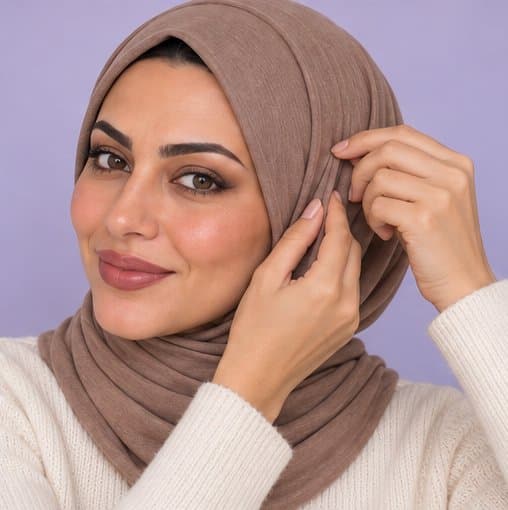
Find your hijab style
Explore shapes, drapes and finishing details for your complete look.
Made for hijabi beauty
Your hijab, makeup and outfit, beautifully together. Explore a personal look and the steps to make it your own.
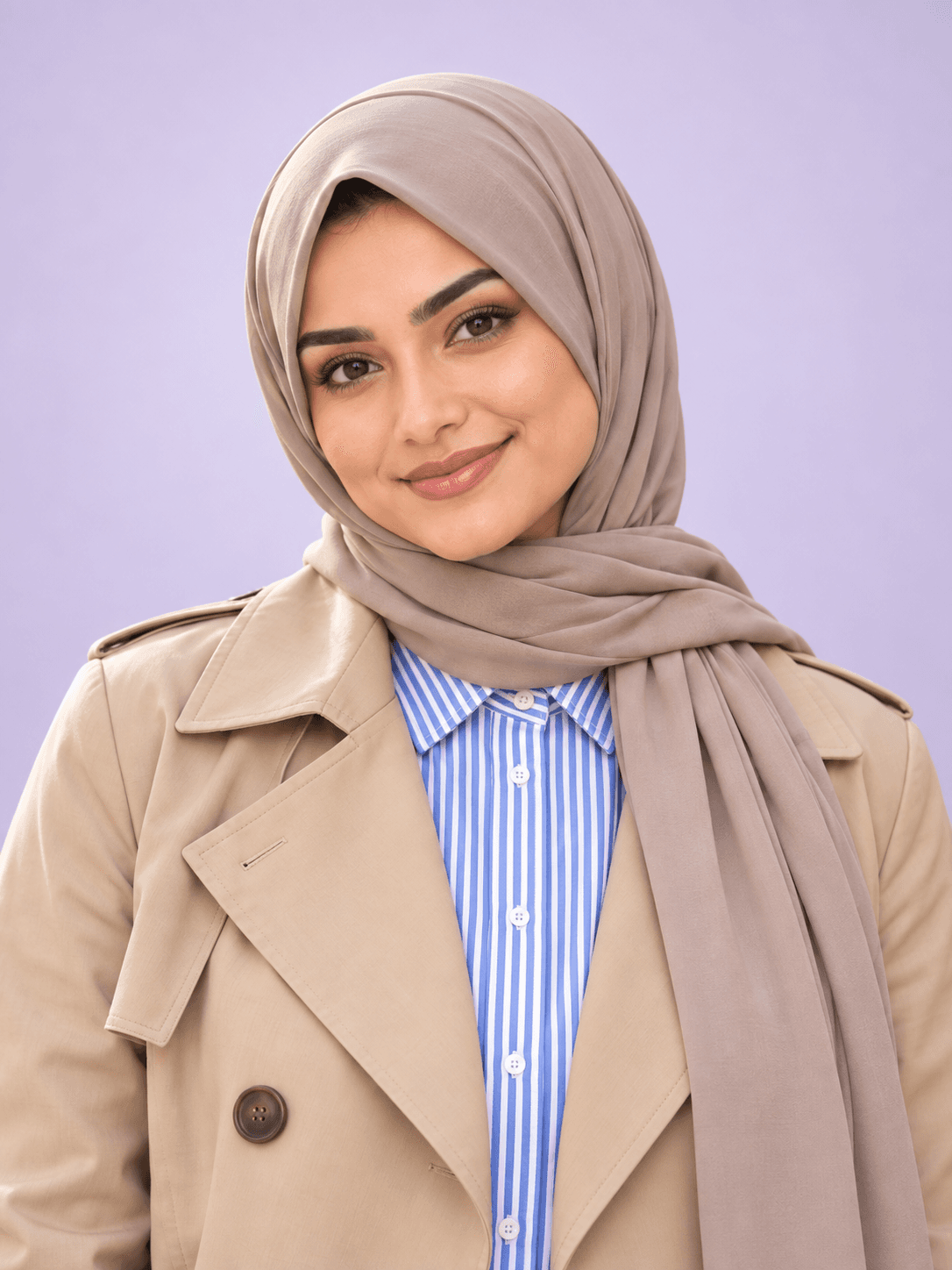
 Evening look
Explore shapes, drapes and finishing details for your complete look.
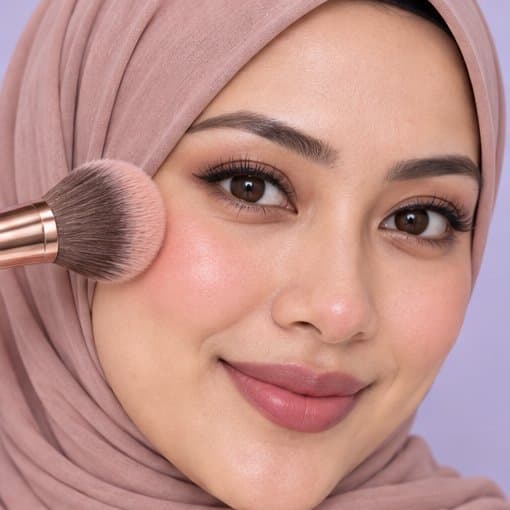
From eyes to lips, follow practical steps to recreate the makeup you love.
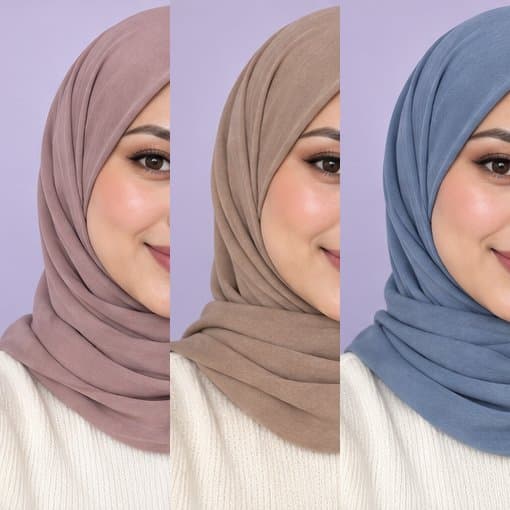
Explore shades that work with your visible coloring, from hijab to makeup.
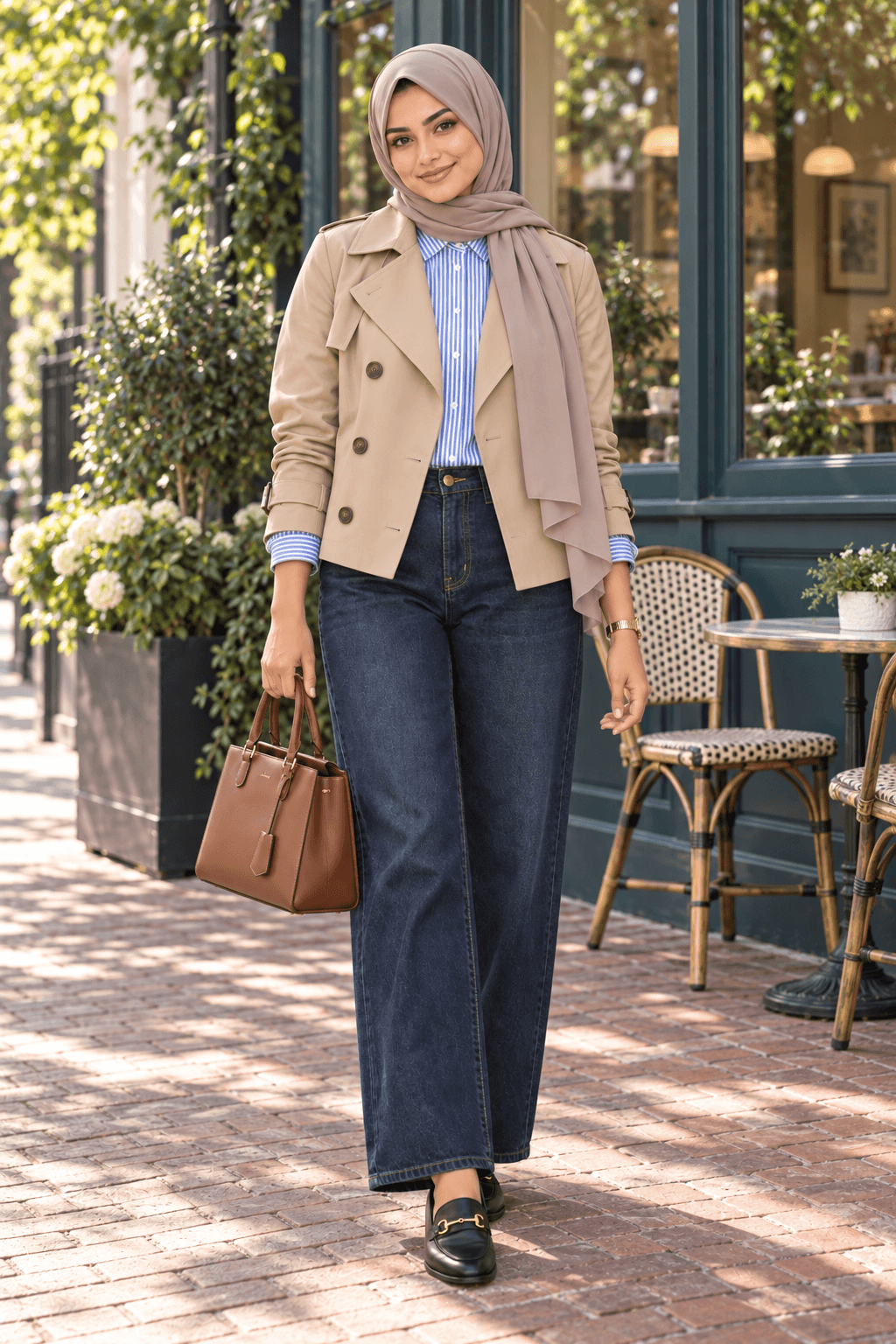
Easy denim and a short trench, lifted by crisp stripes and considered accessories.
A light stone hijab with an easy, neatly framed drape.
Softly defined brown eyes, warm blush and a satin rose-nude lip.
A short trench over a striped shirt, relaxed denim, polished loafers and a cognac bag.
A clear photo of your face. Your hijab can stay on.
Pick an occasion and a style you’d love to explore.
Explore your styled preview and follow your personal guide.
HijabGlow brings hijab, outfit and makeup ideas into one complete look, with practical guides. You can also explore color analysis, makeup feedback and other beauty guides in the app.
No. You can keep your hijab on. Use a clear, evenly lit photo with your face fully visible and without sunglasses or filters.
Completed reports are available in My scans in the app. You can return to a report and save a look to revisit its guide.
Visit Support for account help. Our account deletion page explains where to find the deletion option.